
Linux-Based iOS Device Research: Jailbreaking, Activation Security, and Responsible Use

Linux-based iOS tools cover several different activities, and separating them is essential before any technical research begins. Jailbreaking generally refers to modifying an iPhone or iPad that the researcher owns or is explicitly authorized to administer.
Depending on the method, this may alter operating-system restrictions, permit additional software, or provide a research environment for examining device behavior. It can also affect system stability, privacy protections, updates, warranty support, and the security assumptions on which applications rely. Jailbreaking is therefore a deliberate modification of an authorized device, not a general method for obtaining access to someone else’s hardware or data.
Activation Lock is a separate protection. It is an anti-theft mechanism associated with the device owner’s Apple Account and remains relevant even when a device has been erased or its operating system has been modified. Attempting to remove or circumvent Activation Lock on a device without documented authorization may facilitate theft, unauthorized access, or fraud.
A legitimate owner should use Apple’s account-recovery and support processes, while organizations should maintain clear ownership records, purchase documentation, and written authorization for any security assessment. A jailbreak does not establish ownership and should not be presented as a solution for bypassing this protection.
This article provides a current, safety-conscious overview of Linux-compatible tool categories, device and firmware compatibility, legal boundaries, and responsible research practices. It is intended to support authorized testing, preservation, education, and troubleshooting rather than instructions for defeating security controls. Tool availability, supported models, firmware requirements, dependency chains, and project status can change quickly as Apple releases updates and researchers revise their methods.
Readers should verify claims through official project repositories, documentation, release notes, and other trusted channels, and should test only on devices that they own or are formally permitted to examine. Maintaining backups, isolating experimental hardware, recording authorization, and avoiding personal or production data are prudent safeguards throughout the process.
Palera1n is a prominent Linux-compatible jailbreak project associated with Apple devices affected by the checkm8 bootrom vulnerability. Because checkm8 is tied to hardware rather than solely to software, compatibility depends primarily on the device’s hardware generation, along with the installed iOS or iPadOS version and the project’s current support status. This distinction is important: an iPhone or iPad running a supported operating system is not necessarily compatible if its hardware falls outside the vulnerable generations, while an eligible model may still require a particular process or environment.
Researchers and owners of personally owned devices may use palera1n to study operating-system behavior, customize interfaces, evaluate accessibility tools, test security controls, or conduct controlled forensic and software experiments. Such work should remain authorized, documented, and limited to hardware for which the user has permission. Project information should be obtained from the official website, palera.in, and the project’s official GitHub repository, rather than from search advertisements, social-media posts, or file-sharing pages. Similarly named downloads, modified binaries, and unofficial mirrors can contain malware, outdated components, or changes that are difficult to audit.
Jailbreaking also changes the device’s normal security model. It can interfere with security updates, reduce system stability, prevent some applications from working, and complicate warranty or service support. Changes to system software may also make restoration more difficult, particularly when a device enters a recovery or boot loop. Before proceeding, users should create and verify a current backup, record required account and recovery information, confirm that an appropriate restore path exists, and understand how to return the device to a supported software state. Testing on nonessential, personally owned hardware is generally safer than modifying a primary phone or tablet that contains irreplaceable data.
palen1x is a bootable Linux-based environment designed to provide a focused way to run the palera1n workflow without installing a complete Linux distribution on a computer. Rather than modifying the host operating system, it starts from removable media and supplies a limited, purpose-oriented workspace. This can be useful for research because the environment is relatively separate from the computer’s everyday software and configuration. It should not, however, be treated as a universal solution or as a guarantee that a device can be serviced successfully.
Before using palen1x, readers should research how its release was obtained and whether the download source is trustworthy. Where project documentation provides checksums, signatures, or other verification information, those checks can help confirm that the file was not altered. Boot media should be created with reputable tools and, ideally, tested on hardware that is not carrying critical data. Reliable USB connectivity is also important: poor-quality cables, hubs, adapters, or unstable ports can interrupt communication and create misleading failures.
Compatibility remains an underlying requirement. Readers should check the relevant device model, chip generation, operating-system or firmware version, computer architecture, and documented limitations before beginning any investigation. A live Linux environment changes how the workflow is launched; it does not remove hardware, firmware, or software constraints. Support can also change between releases, so current documentation is more dependable than assumptions based on older reports.
Responsible use is essential. Testing should be limited to a device owned by the reader or covered by explicit authorization from its owner. Unknown scripts that request broad administrative privileges, disable security protections, or download additional components without explanation should be avoided. A legitimate restore path should remain available, including appropriate backups and access to official recovery resources, because experimentation may cause data loss or require recovery. palen1x should be discussed as a research environment, not as a method for evading ownership controls or defeating Activation Lock. Activation security is designed to protect a device and its owner, and this environment does not provide legitimate grounds for bypassing it.
Activation Lock is an Apple security feature intended to protect an iPhone or iPad after it is lost or stolen. It is connected to Find My and the owner’s Apple Account, formerly called an Apple ID. When Find My is enabled, Apple records the device’s association with that account. Erasing the device or reinstalling its software does not normally remove that association. During setup, the device may require the original account credentials before it can be activated, helping prevent another person from reusing or reselling the hardware.
Several commonly confused conditions require different remedies. A forgotten passcode concerns access to the device and may generally be addressed by erasing and restoring it through Apple’s supported procedures, although that process removes local data. A disabled device has temporarily restricted passcode access after repeated incorrect attempts and may also require an authorized erase and restore. Activation Lock is different: it concerns ownership and remains after an erase when the device is still linked to another person’s account.

Legitimate resolution depends on establishing ownership. The previous owner can enter their Apple Account settings or Find My tools and remove the device from their account, often after erasing it. If ownership was acquired lawfully but the account association remains, the purchaser can contact Apple and provide valid proof of purchase; approval is not guaranteed and depends on Apple’s policies. Schools, businesses, and other institutions should use their documented device-management and asset-transfer processes. If ownership cannot be established, returning the device to the seller, organization, or appropriate authorities is the responsible option.
Readers should be cautious about claims of permanent iCloud or Activation Lock removal, paid unlock services, and random open-source repositories promising bypasses. Such offers may involve fraud, malware, credential or privacy theft, or activity connected with stolen devices. Jailbreaking changes certain software restrictions, but it does not confer ownership or legitimately remove Apple’s activation protections. Research involving Linux tools or modified firmware should therefore remain within authorized, documented boundaries and never be used to defeat an owner’s security controls.
Projects described as activation-lock or iCloud-bypass tools require careful scrutiny rather than automatic trust. Names such as tr4mpass and libre-hacktivator may appear in repository listings, forum posts, videos, or search results, but visibility is not proof of legitimacy, safety, effectiveness, or lawful use. A repository fork can preserve outdated or modified code, while abandoned projects may contain unresolved vulnerabilities. Similarly, an unverifiable release, a dramatic claim, or a collection of positive comments does not establish that software works as advertised or is free from malicious changes.
A useful research checklist begins with the project’s maintainer history, ownership changes, code activity, tagged releases, and the provenance of downloadable files. Examine issue discussions for failed installations, suspicious behavior, credential requests, and reports of device damage. Assess whether documentation clearly explains limitations, required permissions, supported hardware, and build procedures. Review dependencies and network behavior, and determine whether the software can be built reproducibly from publicly available source. Scan files with reputable security tools, while recognizing that malware scanners cannot guarantee safety. Independent technical reports from established researchers are more informative than anonymous endorsements or search-ranking position.
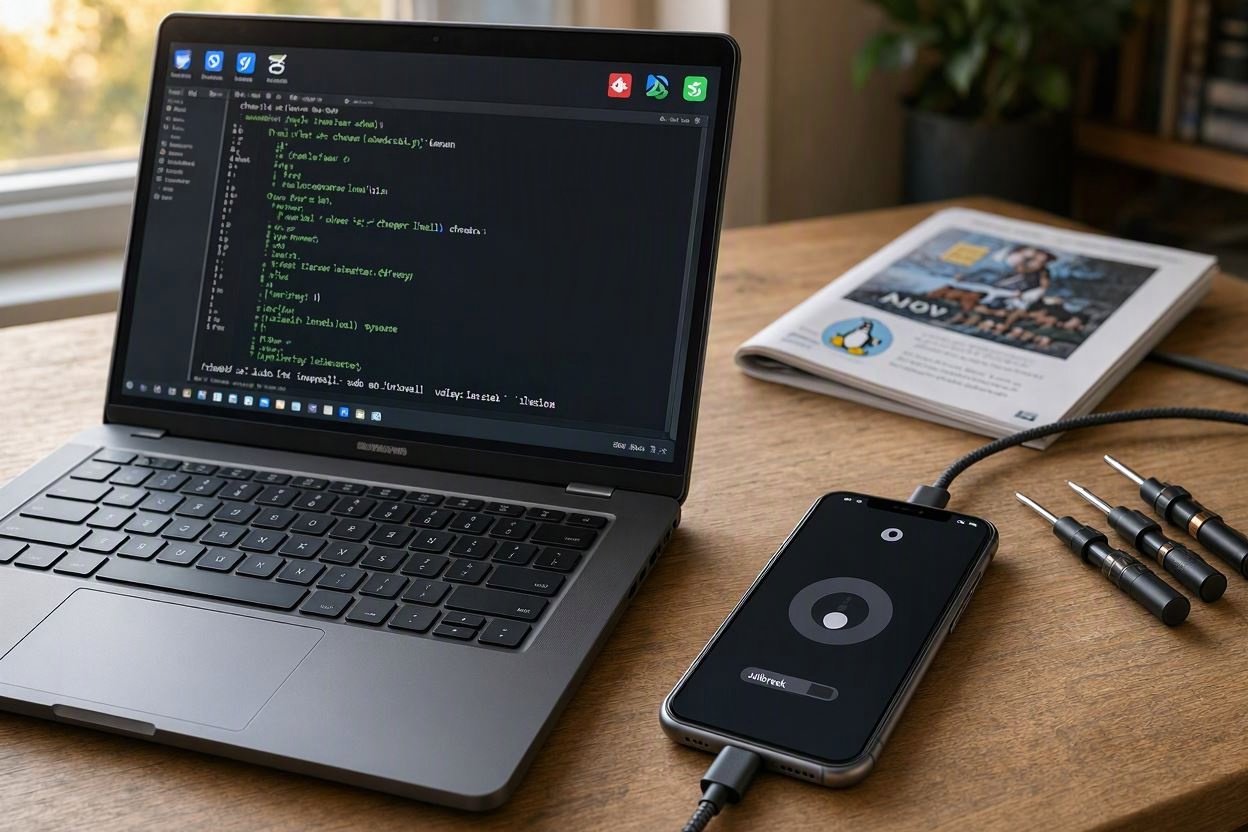
Claims that a utility can provide access to another person’s account, cellular service, personal data, or a fully functional device without valid credentials are especially high-risk. Such promises may indicate fraud, unauthorized access, data theft, or software designed to compromise a device. Unfamiliar utilities should be analyzed only in an isolated, disposable environment with no personal accounts, production devices, or sensitive files attached. Never enter Apple credentials, payment information, recovery codes, activation details, or personal data into a third-party tool. Researchers should also verify ownership and authorization before testing, preserve evidence without distributing questionable binaries, and treat unexplained permissions, forced downloads, disabled security controls, and urgent payment demands as reasons to stop rather than troubleshoot further.
Checkra1n occupies an important place in the history of iOS security research. It became closely associated with checkm8-compatible devices, whose bootrom-level vulnerability distinguished them from later hardware generations. Because the relevant weakness exists in certain device hardware rather than being introduced solely by a particular iOS release, checkra1n was widely discussed as a durable research tool. That historical significance, however, should not be mistaken for a guarantee of present-day compatibility, active maintenance, or suitability for everyday use.
Anyone evaluating checkra1n today should consult the official checkra.in source and compare its current documentation with the device and operating-system requirements. Old tutorials, forum posts, video descriptions, and reposted downloads can preserve inaccurate assumptions, link to altered binaries, or describe support that applied only to earlier iOS versions. Project pages may also change over time, making publication dates, release notes, supported hardware lists, and maintenance indicators important evidence when assessing whether information remains current.
Legacy jailbreak tools can still be valuable in controlled historical research. They may help explain how researchers studied bootrom weaknesses, how platform defenses evolved, or why hardware-level vulnerabilities had long-term importance. Their research value does not make them appropriate for a modern personal device. An outdated binary may depend on obsolete libraries, unsupported host operating systems, deprecated drivers, or workflows that no longer function safely. Guides written for earlier releases may also omit newer activation protections, data safeguards, recovery considerations, and privacy risks.
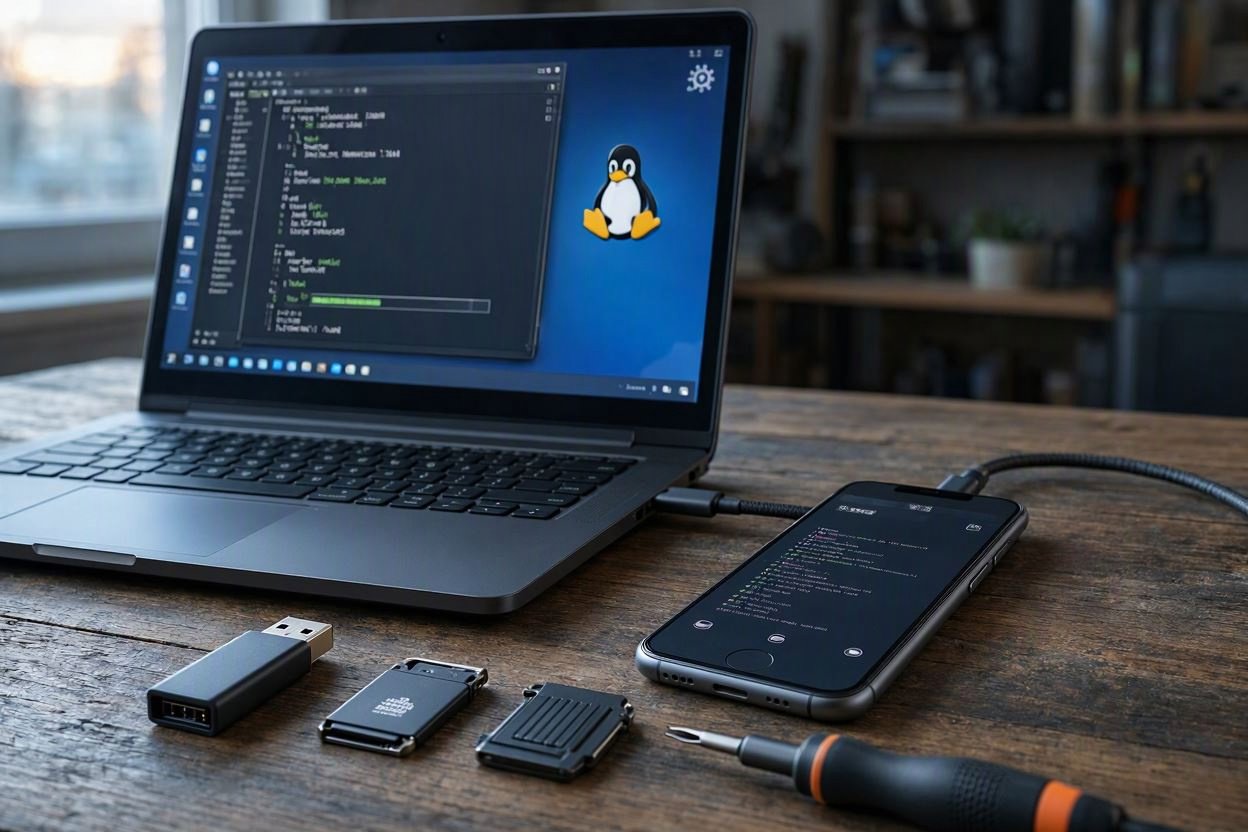
Responsible assessment therefore requires more than confirming that a tool once worked. Researchers should verify the provenance of software, inspect documentation dates, review the project’s stated hardware scope, and compare recurring community issue reports rather than relying on a single repost. They should also distinguish experimental testing from attempts to bypass activation or alter a device used for sensitive accounts. When current support is unclear, the safer conclusion is that the tool’s historical relevance exceeds its practical applicability, unless authoritative documentation and a carefully controlled research environment establish otherwise.
A responsible evaluation begins with authority. Confirm that you own the iPhone or iPad, or obtain clear written authorization from the owner or organization responsible for it. Next, record the exact device model, operating-system version, current condition, and intended purpose. These details determine which research methods are appropriate and whether a proposed tool can create avoidable risk. Customization and legitimate security research should also be separated from account protection and anti-theft controls. A jailbreak may alter software behavior or support testing, but it does not resolve ownership disputes, remove a legal activation requirement, or make a lost device rightfully usable.
Before changing system software, create a verified backup and document a realistic restoration procedure. Identify official firmware sources, confirm recovery steps, and use reputable security tools whose provenance and behavior can be evaluated. An isolated test device is preferable to a primary phone or tablet, particularly when experiments may affect data, authentication, communications, or warranty support. Keep test accounts and sensitive information separate, and record each change so that unexpected behavior can be traced and reversed.
Several warning signs should stop an evaluation immediately. Treat requests to disable security software, execute opaque scripts as root, disclose Apple credentials, pay for guaranteed unlocks, or download packages from unofficial mirrors as indicators of unacceptable risk. Users with locked devices should rely on Apple’s official support, account-recovery, and proof-of-purchase channels rather than advertisements promising instant access. Researchers should document methods, limitations, and findings responsibly, remove personal data from evidence, and coordinate disclosure with affected parties. A sound process protects the owner, preserves evidence, and supports useful technical learning without enabling unauthorized access.
Linux-based tools for jailbreaking iOS devices and bypassing activation locks:
Primary Jailbreak Tools
1. Palera1n (Most Current)
- Supported Devices: A8 through A11 chips (iPhone 6/6 Plus through iPhone X)
- Supported iOS Versions: iOS/iPadOS 15.0 through 17.4, and iPadOS 18
- Platform: Linux (Ubuntu, Debian, etc.) and macOS
- Features:
- Rootful and rootless jailbreak modes
- Uses checkm8 exploit (bootrom-based, unpatchable)
- Semi-tethered (requires computer to boot into jailbroken state)
- Also supports T2 Macs and Apple TV
Official Source: https://palera.in/
GitHub: https://github.com/palera1n/palera1n
2. Palen1x (Linux Live Environment)
- A dedicated Linux distribution specifically designed to run Palera1n
- Bootable USB ISO that includes all dependencies pre-configured
- Eliminates need to manually install dependencies on your Linux system
- Supports both rootful and rootless installations
Activation Lock / iCloud Bypass Tools
3. tr4mpass (Open Source)
- Purpose: Free, open-source iCloud activation lock bypass
- Supported Devices: iPhone 5s through iPhone 15 Pro
- Supported iOS: iOS 12 through 26.1
- Features:
- Fully offline operation (no servers, no payments)
- Supports checkm8-based bypass (A5-A11)
- Supports session activation bypass (A12+)
- Linux-compatible
GitHub: Multiple forks available (search “tr4mpass”)
4. Libre-Hacktivator
- Purpose: iCloud activation lock bypass for checkm8-compatible devices
- Supported iOS: iOS 12-16
- Platform: Linux and macOS
- Uses Palera1n assets and script-driven automation
GitHub: https://github.com/taruntapasi/LIBRE-HACKTIVATOR_iOS_12-16
Legacy Tool
5. Checkra1n
- Supported Devices: iPhone 5s through iPhone X (A7-A11)
- Supported iOS: iOS 12.0 through 14.8.1 (limited newer support)
- Platform: Linux, macOS, Windows (via checkn1x)
- Status: Effectively superseded by Palera1n for iOS 15+
- Still useful for older iOS versions
Official Site: https://checkra.in/
Important Technical Notes
| Aspect | Details |
|---|---|
| Exploit Type | checkm8 (bootrom exploit) – unpatchable hardware vulnerability |
| Jailbreak Type | Semi-tethered (requires computer on every boot) |
| A11 Limitations | On iPhone 8/8 Plus/X, you must disable passcode while jailbroken |
| iOS 16+ on A11 | Requires device reset before jailbreaking |
Installation Requirements (Linux)
# Typical dependencies needed
sudo apt update
sudo apt install usbmuxd libimobiledevice6 libimobiledevice-utils

# For Palera1n - download from official site
# For Palen1x - create bootable USB from ISO
Device Compatibility Summary
| Chip | Devices | Jailbreakable | Max iOS |
|---|---|---|---|
| A8-A8X | iPhone 6/6 Plus, iPad Air 2 | Yes | iOS 15+ |
| A9-A10 | iPhone 6s/7, iPad 5th/6th gen | Yes | iOS 16+ |
| A11 | iPhone 8/8 Plus/X | Yes (no passcode) | iOS 17.4 |
| A12+ | iPhone XS and newer | No (checkm8 patched) | N/A |
Note: These tools are primarily for security research, device recovery, and legitimate ownership verification. The checkm8 exploit only works on A11 and older devices—newer iPhones (XS and later) cannot be jailbroken with these tools due to patched bootrom vulnerabilities.